The National Diagnostic Reference Level Service (NDRLS) collects CT data from medical imaging providers throughout Australia to maintain and update national Diagnostic Reference Levels (DRLs). The NDRLS portal is an online platform that allows users to submit adult CT survey data for ten designated imaging protocols. For paediatric data collection, the process will shift to using an Excel workbook format instead of the NDRLS portal, supporting data entry for paediatric head, chest, and abdomen-pelvis imaging protocols in a more flexible manner to facilitate the adoption of the age- and weight-based paediatric DRLs published in July 2025. You can access the paediatric survey workbook here:
The 10 adult CT protocols are:
- Head
- Para-nasal sinuses
- Soft-tissue neck
- Cervical spine
- Chest
- Low-dose CT (LDCT) chest
- Abdomen-pelvis
- Kidney-ureter-bladder (KUB)
- Chest-abdomen-pelvis (CAP)
- Lumbar spine
To start a new survey you select the Age Group, Protocol and CT Scanner used from the drop down lists and then select ‘Start New Survey’. Please note Age Group options for baby/infant (0-4 years) and child (5-14 years) have been disabled and will redirect the user to the paediatric survey Excel workbook.

This takes you to the data entry page for the survey you have just created. There are two main sections to this page, the scan settings data and the patient data. Before you can fill in any patient data you must fill in the scan settings data and select ‘Save Settings’.
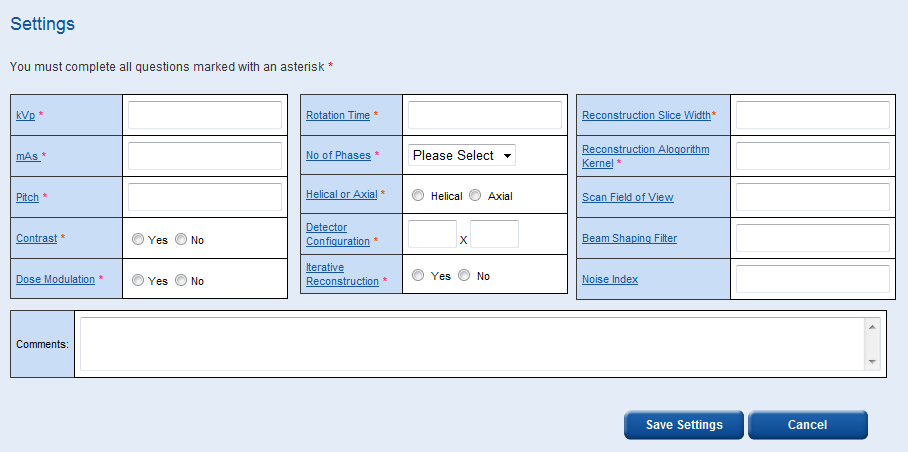
Some settings such as ‘Reconstruction Algorithm Kernel’ and ‘Scan Field of View’ allow you to enter numbers and/or words/symbols, e.g. ‘Standard’ or ‘35 cm’.
The ‘Reconstruction Slice Width’ box allows you to enter multiple widths, e.g. ‘2, 5, 10’.
The comments box is a free field where any additional information can be recorded.
There is an option to print out this data entry page. It may be easier to fill in the patient data table by hand then log back in and enter the data electronically later.
In the patient data entry table, for single and multiple phase scans, the average CTDIvol, the total DLP, patient weight, patient age and patient sex is required.
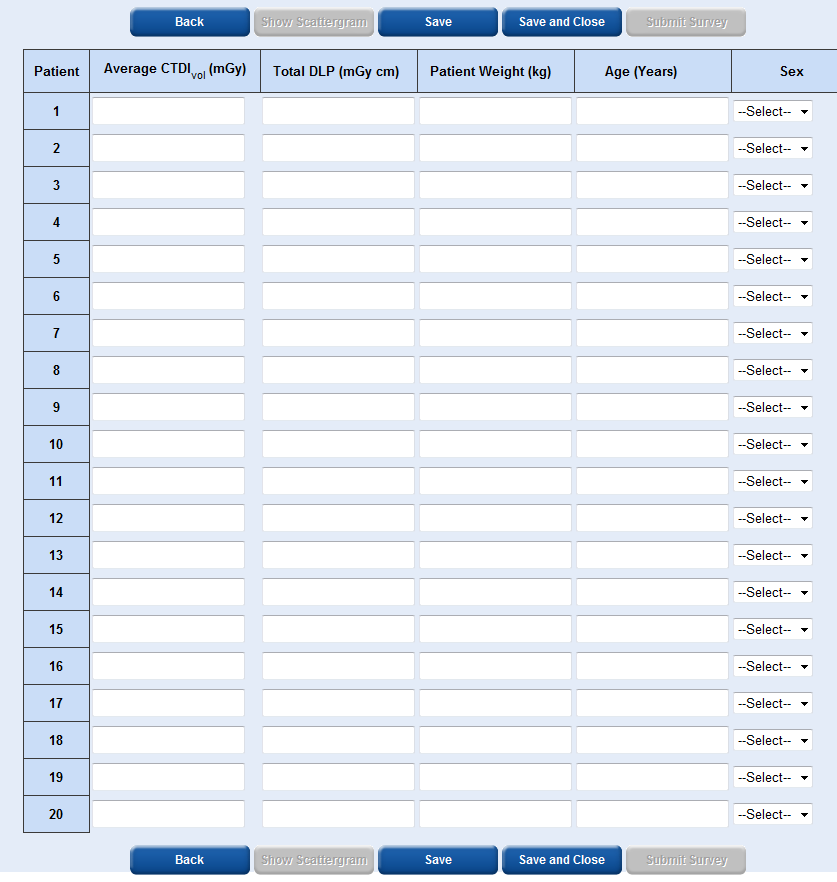
To obtain the patient weight you should just ask them, accuracy to the nearest 5 kg is sufficient.
It is easiest to enter the patient data across each row rather than down each column.
Each time you select ‘Save’ or ‘Save and Close’ the patient data you have entered will become locked and you will not be able to edit it.
The ‘Show Scattergram’ button will only become active once you have saved data for at least one patient. By selecting ‘Show Scattergram’ you will be able to view a graph showing DLP vs patient number.
The ‘Submit Survey’ button will only become active once you have entered data for at least 10 patients and saved the data.
Caution: Do not select the ‘Submit Survey’ button until you are sure that you wish to submit the data. Once you submit the data the survey will become locked and you will not be able to add any additional data. A warning message will appear to ask you if you are sure you wish to submit the data.
Like all parts of the service, the webpage will time out after 10 minutes of no activity, when this happens you will have to log back in to continue.
Protocol specifications
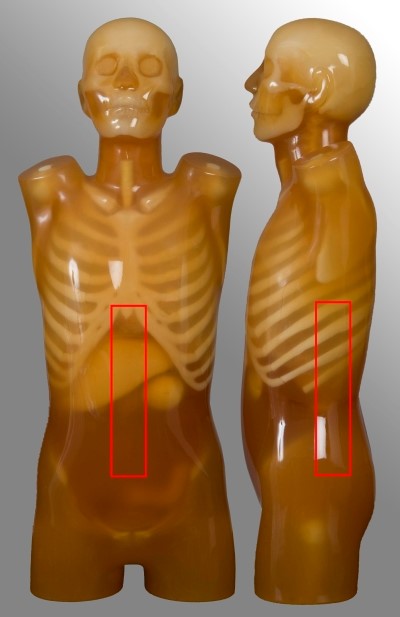
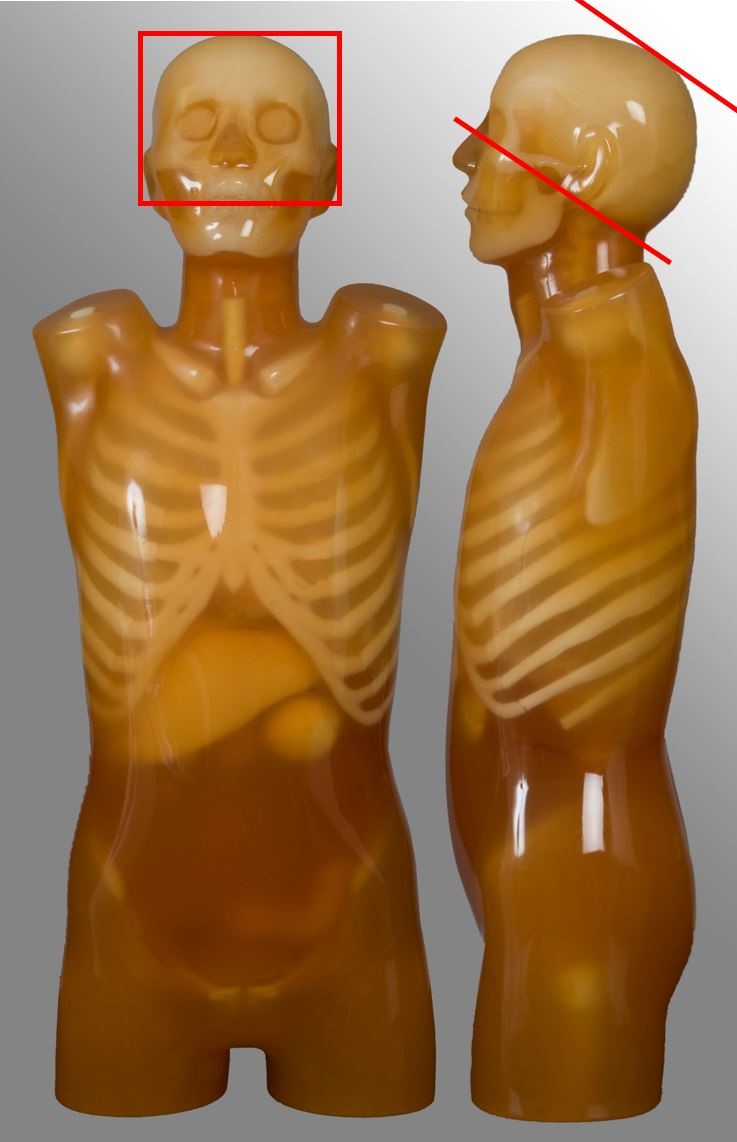
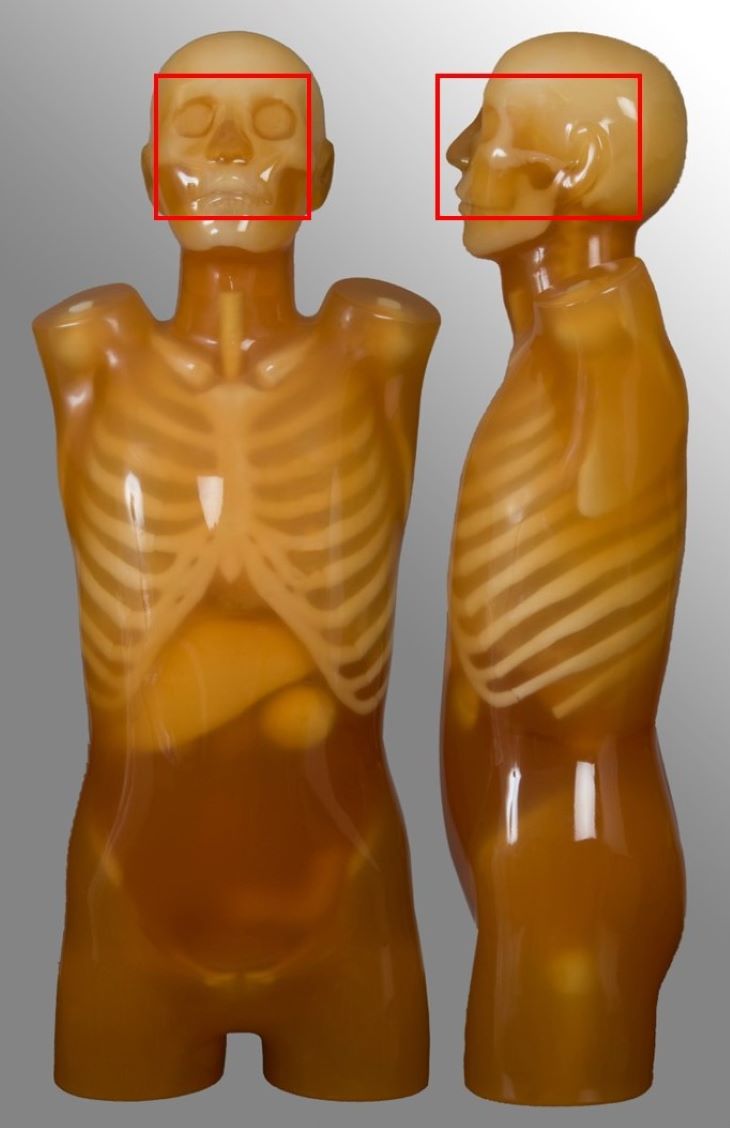
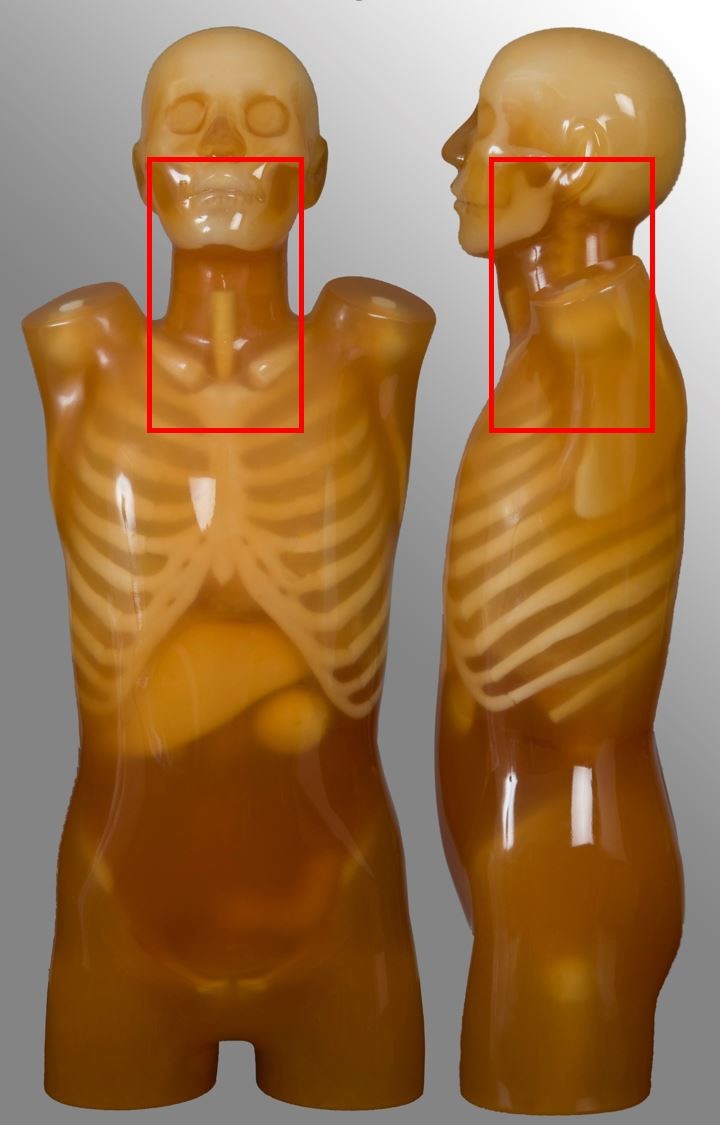
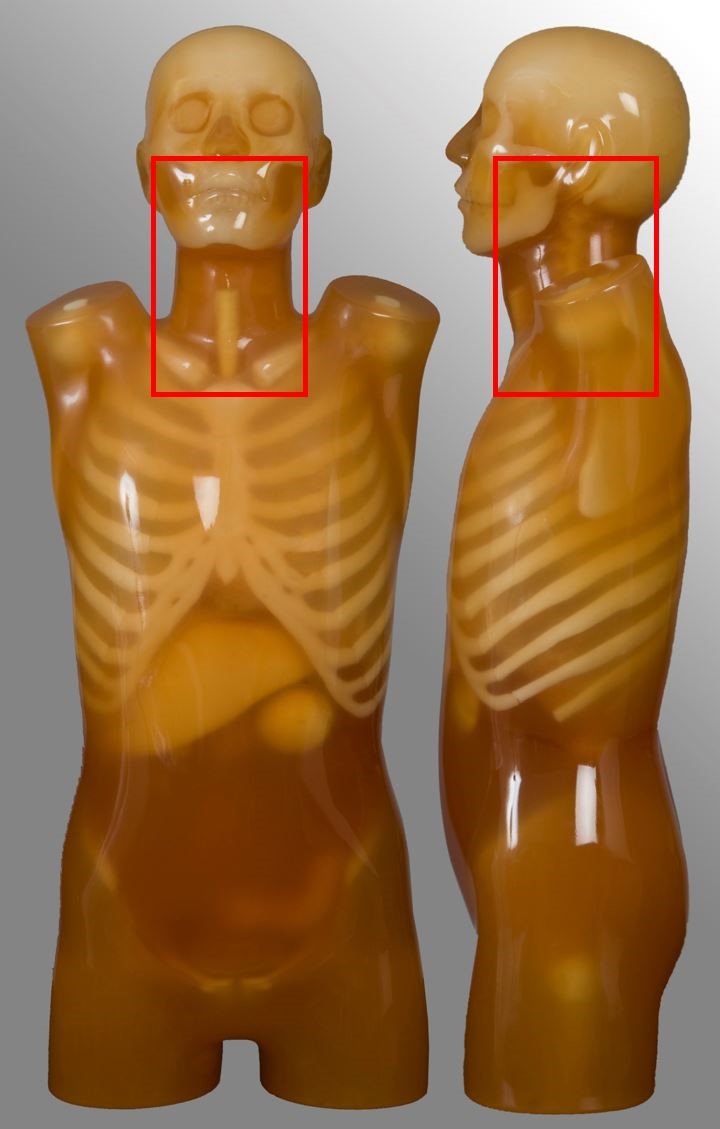
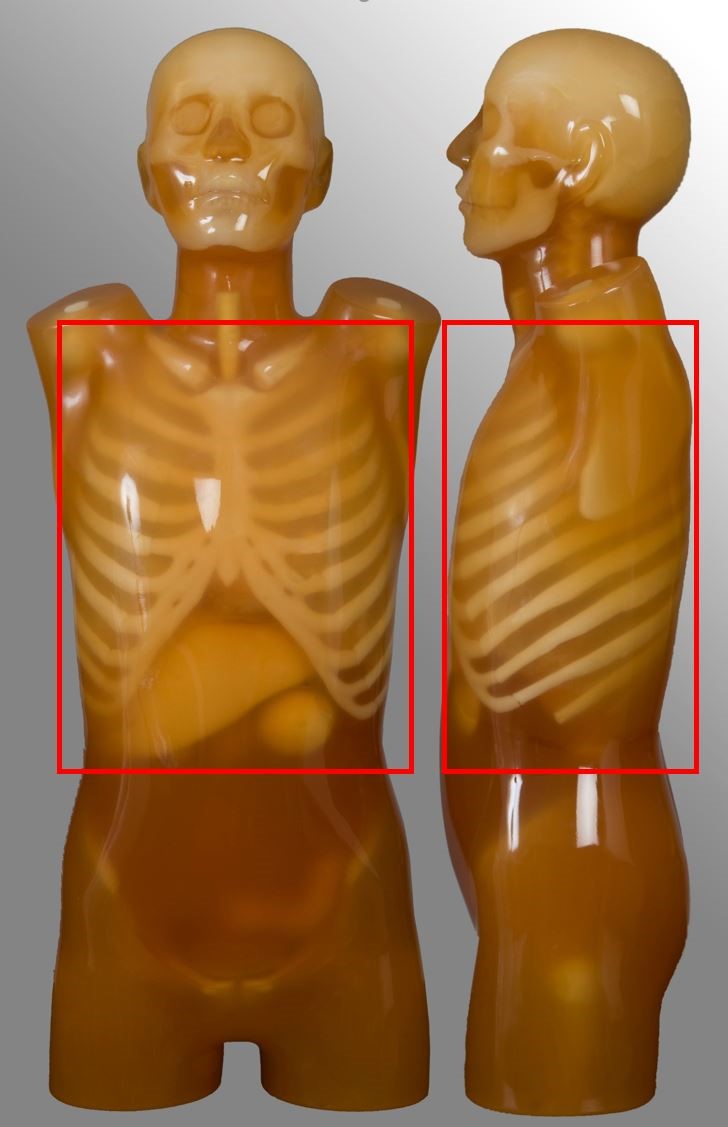
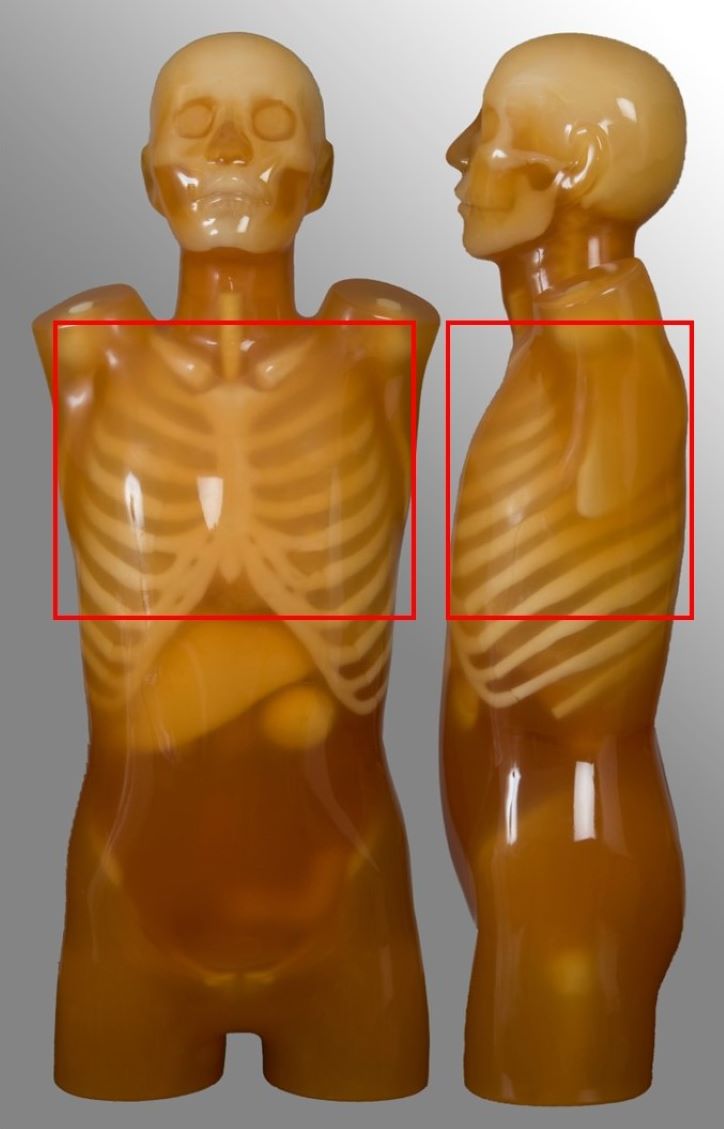
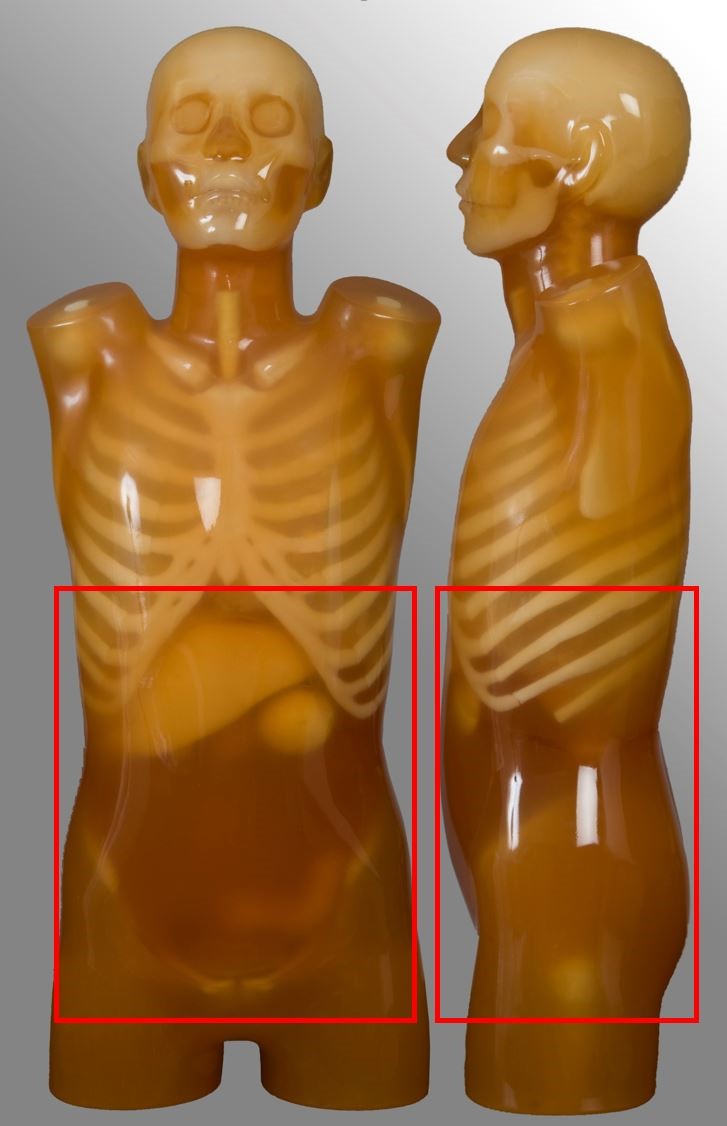
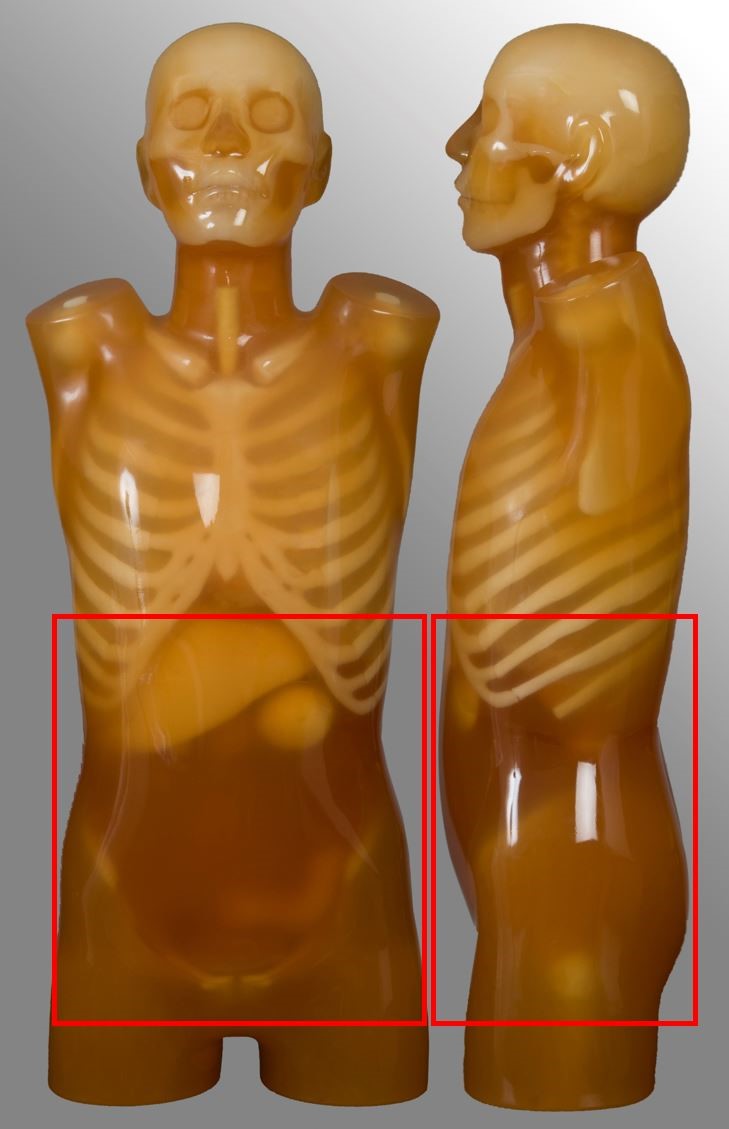
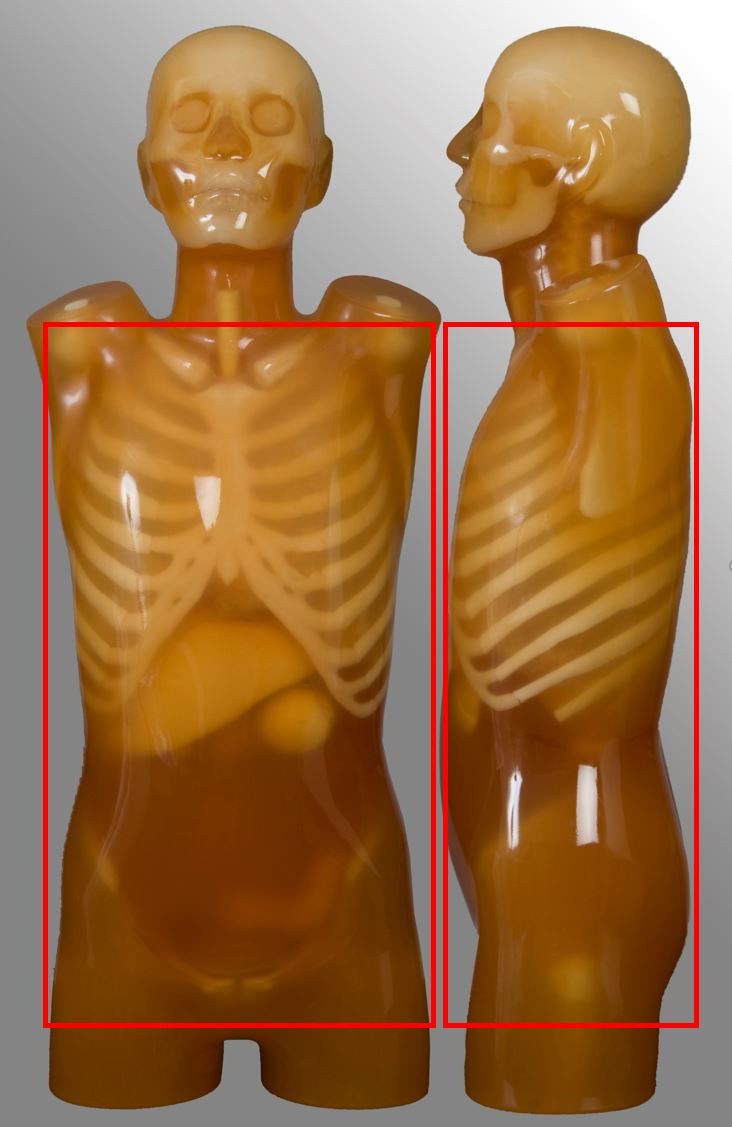
Below are images and descriptors of various MDCT scan protocols. Scan region approximates to the region marked with red lines on the respective image.
Head
| Scan range | Example | Exclusions |
|---|---|---|
| Base of skull or C2 to vertex | Non-contrast CT brain Trauma, headache | - |
Para-nasal sinuses
| Scan range | Example | Exclusions |
|---|---|---|
| Hard palate to above the top of the frontal sinuses | Non-contrast for chronic sinusitis | - |
Soft-tissue neck
| Scan range | Example | Exclusions |
|---|---|---|
| External auditory meatus to include aortic arch | Oncology | No carotid angiography |
Cervical spine
| Scan range | Example | Exclusions |
|---|---|---|
| External auditory meatus to T2 | Trauma, neck pain | - |
Chest
| Scan range | Example | Exclusions |
|---|---|---|
| Lung apices to adrenal glands, including liver if specified | Post contrast for oncology | No HRCT No pulmonary nodule follow up No ultra-low dose protocol |
Low-dose CT (LDCT) chest
| Scan range | Example | Exclusions |
|---|---|---|
| Lung apices to the bottom of lungs | Non-contrast for National Lung Cancer Screening Program (NLCSP) | Chest scans with protocols that wouldn’t qualify for the NLCSP |
Abdomen-pelvis
| Scan range | Example | Exclusions |
|---|---|---|
| Diaphragm to below symphysis pubis | Post contrast for oncology or abdominal pain Single portal venous phase | No kidney-ureter-bladder |
Kidney-ureter-bladder (KUB)
| Scan range | Example | Exclusions |
|---|---|---|
| Superior pole of kidneys to symphysis pubis | Renal colic | No stone follow-up |
Chest-abdomen-pelvis (CAP)
| Scan range | Example | Exclusions |
|---|---|---|
| Above lung apices to below symphysis pubis | Arterial chest plus portal venous abdomen, single or dual acquisition Oncology | - |
Lumbar spine
| Scan range | Example | Exclusions |
|---|---|---|
| Between T12 to S1 | Non-contrast for degenerative disease | - |